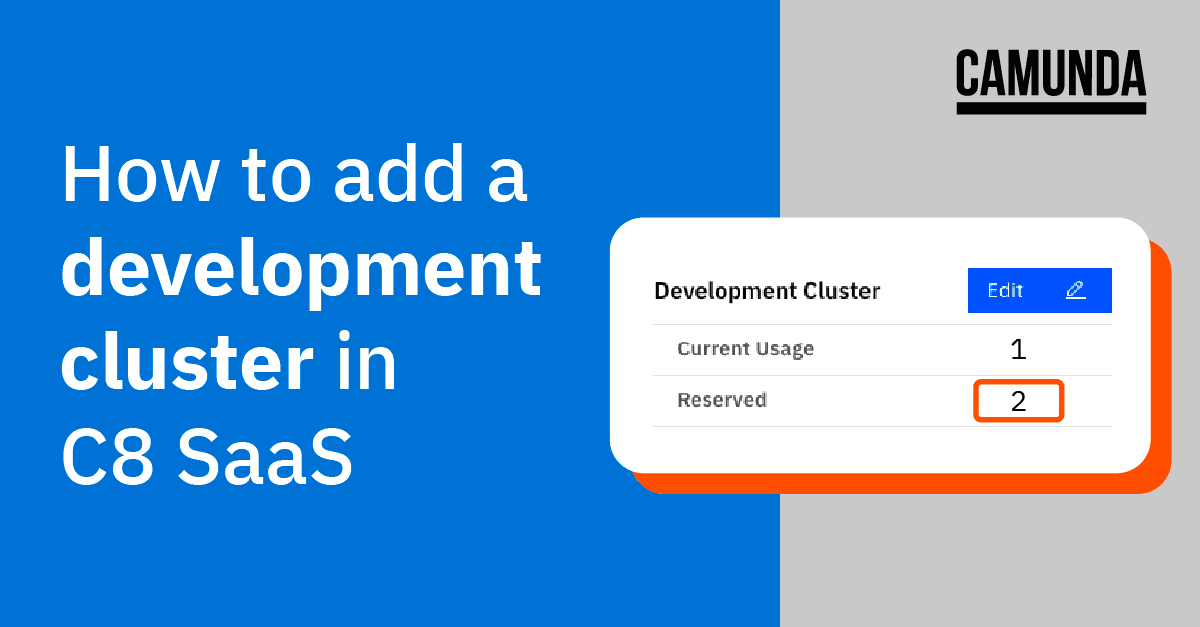
You can now take advantage of development clusters on our professional plan to test your models quickly outside of production.
We are excited to introduce development clusters today. Development clusters offer a cost-effective way to test processes and decisions outside of your production environment allowing you to iterate faster, experiment more openly, and ensure you consistently deliver exceptional bug-free experiences.
Back in September, we updated the pricing for Camunda Platform 8 SaaS – Professional, making it more affordable for any project size, with plans starting as low as $49 / month. Starting today, you can deploy and run BPMN and DMN models on such a cluster without additional costs per process instance or decision instance. This new environment is available to use today and can be added for just $5 per cluster per day.
Ready to try it out and see how it can help you test your models more quickly and easily? Follow the steps in the tutorial below to add this functionality and get started.
How to create a development cluster on Camunda Platform 8 SaaS – Professional plan
- From theConsoledashboard, click intoClustersfrom the top navigation.

- FromClusters, click theCreate New Clusterbutton. TheCreate New Clusterpage is displayed.

- Enter aCluster Name, then verifyDevelopment Clusteris selected for theTypeof Cluster.

- The lower portion of the Create New Cluster dialog allows you to specify theRegion,ChannelandGeneration(Zeebe version)

- Once you have made your selections, review theSummarysection, tick thecheckboxto confirm your purchase and clickCreate Cluster.

- Once the process is completed, you will be returned to theClustersview with the new cluster displayed alongside aDevelopmentlabel.

- That’s all there is to it. Once your Development cluster is ready to use, the status will change from Creating to Healthy.
Get started today
You can take advantage of newly available development clusters today to start testing processes and decisions outside production with less cost than ever before.
Ready to get started? If you’re a customer, just log in and follow the steps outlined above. If you’re new to Camunda 8, sign up for a free trial below to take these for a test drive.