Every Camundi has a before and an after with AI. Before AI became part of how we work. And after it started changing the way we think, build, and solve problems.
This series is about that journey. The moment someone tried something, broke something, improved something, or built something they did not expect.
Each month, one Camundi from somewhere across the business walks us through their AI adoption journey. An open look at how people are figuring it out as they go, across teams.
If you have been curious but have not started yet, this is for you. If you have started and feel like you are doing it wrong, this is for you too.

Who are you and what do you do at Camunda?
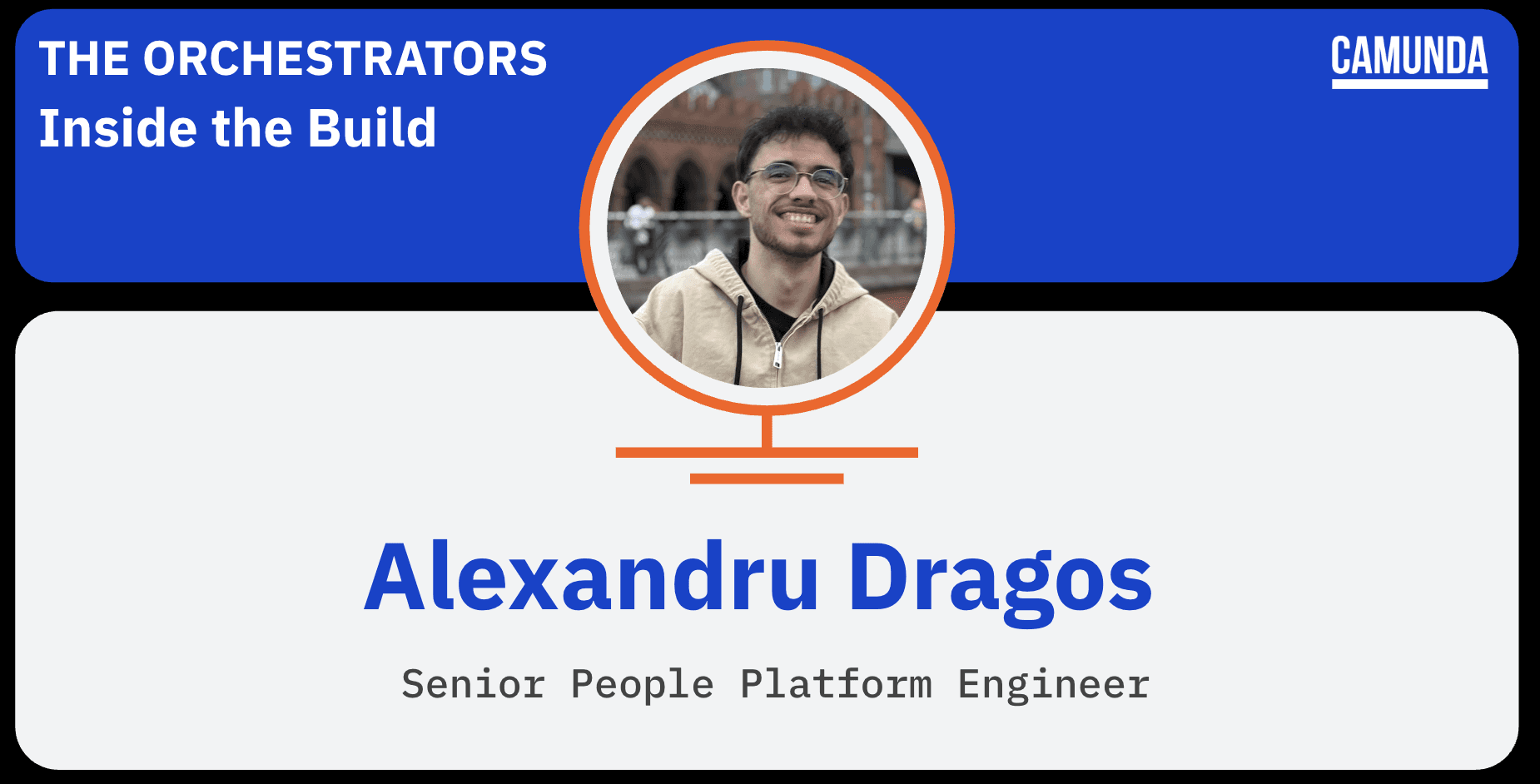
I'm Alexandru Dragos, senior people platform engineer at Camunda. I build and run the orchestration layer the People org sits on: the Camunda processes and job workers behind our HR operations, and the integrations that connect the systems underneath them.
Tell us about the People Platform. What does it actually do, and what kinds of automations and integrations are you running on Camunda? What did the work look like before and why did you decide to try AI on it?
People Platform is the orchestration layer behind how the People org runs. It powers the workflows that used to rely on someone manually moving data from system to system: hiring and offers, onboarding and offboarding, employee changes, approvals, time off, visa requests, department mapping, and the syncs that keep HiBob, Ashby, NetSuite, and our IT ticketing aligned. At this point, it supports around 170 job types.
A simple example: every day, a process checks HiBob for contracts ending that day and in 60 days. If someone is leaving, it pulls the details, opens the IT offboarding ticket, and posts in the relevant Slack thread. No one has to remember. It just happens.
The real problem started when one of those processes broke.
When a process failed, the evidence was scattered across four places: Operate, process variables, worker code in another repo, and often the source record in Ashby or HiBob. Piecing that together took 30 to 60 minutes per incident, and most of the work was repetitive.
That’s why I built an agent instead of a script. Diagnosis isn’t one API call. It’s an investigation. You read the error, decide what to check next, and keep pulling on the thread until the story makes sense. That kind of loop is exactly what a model with read-only tools is good at. And with this much surface area, every hour spent on manual triage is an hour not spent building.

Walk us through what you built. What is the People Platform Incident Diagnosis Agent, and how does it actually work?
I built an agent that diagnoses failed Camunda processes, and I modeled it as a Camunda process itself. That was intentional. If we’re asking the rest of the company to orchestrate their work on our product, the system watching over our own orchestration should run on it too.
Here’s how it works. On a timer, it pulls active incidents and skips anything it has already diagnosed unless something has changed. For each incident, it fetches the basics up front: the incident, the process instance, and the relevant variables. That gives the model context immediately instead of wasting early steps re-fetching data.
From there, an AI agent takes over using a set of strictly read-only tools: Camunda’s MCP server for the process definition, GitHub’s MCP server for worker code, custom HiBob and Ashby MCP servers I built, and a tightly scoped Metabase tool for reference data. It keeps pulling the next piece of evidence based on what it just found until it can produce a diagnosis that fits a fixed schema.
After that, two narrower model passes take over. One turns the evidence into an analysis. The other formats it for Slack and strips out PII. Splitting those jobs matters: the first model gathers, the second reasons, the third formats. Each one has a clear role, which makes the system more reliable.
The final result lands in Slack as a headline linked to the failing process in Operate, along with the evidence, relevant variables, a code reference, and a suggested fix. It only posts when something has actually changed, so the channel stays useful instead of noisy.
Because this touches employee and candidate data, the agent is read-only by design. That’s enforced in three ways: through the tool allowlist, read-only controls on the GitHub side, and the prompts themselves. It can’t resolve incidents or write back to HR systems, and nothing posted to Slack includes names or email addresses.
The first production batch handled around 15 real incidents in about an hour to an hour and a half, work that would have taken roughly a full engineering day by hand. About nine of those came back with the correct root cause on the first pass.
This started as a side project, and Stacey Ciborowski, our director, is the one who saw the bigger opportunity and folded it into Orquesta, our broader process transformation work.

Tell us about its first real run—15 incidents, 1.5 hours. What was that moment like?
We had a backlog. Not a dramatic one, just a pile of incidents I kept not getting to because each one meant a 40-minute context switch.
Seeing the agent work through them was strange in a good way. It came back with some genuinely strong diagnoses, tracing failures across multiple systems and pinpointing exactly which field was wrong and what it should have been. That was satisfying, but also expected. It was built to do that.
What really convinced me was something less dramatic. In several cases, it checked an incident and came back saying there was nothing to fix, just stale test data that should be cancelled. It did that in seconds. By hand, that still costs 10 to 15 minutes, because you have to do all the same lookups before you can confidently say nothing is wrong. I thought that would be the weakest part, and it turned out to be one of the most useful.
To be clear, it didn’t clear the backlog on its own. It did the fetching and the correlating, then left the decision to me, which is exactly the trade I wanted. In about an hour and a half, it got through work that would have taken a full engineering day by hand. More importantly, it felt repeatable, not like a one-off demo that happened to work.
What went wrong, and where does it still let you down?
Plenty. The first version failed in a way I still find funny: it would look at an incident, decide it didn't have enough information, and politely ask me for more context. There was nobody there to answer it. It runs on a timer, unattended, against whatever incidents happen to be open.
Most of the work after that wasn't model work, it was writing down rules for things it kept getting wrong. It would give up after a single tool call came back empty, when an empty result is itself a finding. It would invent parameter names instead of reading the tool schema, fail, then invent a different one. On a code search it would wander into unrelated repositories and follow that thread for a while. Worst of all, it would hand me a diagnosis whose fix steps were "check the offer record in Ashby and verify the start date". That isn't a diagnosis. That's the job I was trying to avoid, handed back to me with extra steps.
Almost every hard rule in the prompts today is there because it did that exact thing to me at least once.
There's a subtler one that still bites. The evidence-gathering step works through a long chain of tool calls, and when its context gets truncated it writes a summary that quietly leaves out calls it actually made. The analysis step then reasons from a partial picture without knowing it's partial. I work around it by passing the raw tool-call log alongside the summary and having the analyst cross-reference the two. It works, but it's a patch over a real limitation rather than a fix.
You mention that as more processes move onto Camunda, having this in place from the start is going to be huge. What does that future look like to you?
What limits automation now isn’t building the process. That part is getting easier. The real limit is what happens after go-live, because every new process is one more thing that can fail in a way only one person understands.
The future I care about is making the operational layer part of the build from day one, not something you bolt on once the pain shows up. If diagnosis is already in place when process number 200 goes live, that process adds almost no extra support cost. Without it, every new process makes support harder, until teams either stop automating or quietly accept that some things will stay broken.
That’s also the interesting part of the agent to me. It’s not that it writes text. It’s that it can hold context that would otherwise be scattered across multiple systems and repositories, which is exactly what people lose every time they get interrupted. That makes it as much an operations solution as an AI one.
The next step is moving from single incidents to patterns, not just diagnosing one failure, but spotting that the same failure has happened repeatedly and identifying the structural reason behind it.
I’m not in a hurry to let it fix things on its own. It’s read-only by design, and that constraint is part of what makes it useful in the first place.

What can others steal or try right now?
The biggest lesson is not to build one agent that does everything. Split it into smaller, specialized steps. Mine has three: one gathers evidence, one reasons over it, and one formats the result and strips out anything sensitive.
That separation adds a little latency, but it makes the system much more reliable. Each prompt stays focused, and when something goes wrong, I know exactly which part to fix. It also avoids a common failure mode: the model starts investigating, gets distracted, and confidently answers the wrong question.
The other big lesson is to design guardrails from real failures, not imagined ones. Run the system, see how it actually breaks, and build constraints around that.
If you’re building something similar, start with work that is mostly mechanical rather than judgment-based, the kind of task where a person would reach the same answer every time but would need 40 minutes and six browser tabs to get there.
And constrain it harder than feels necessary. Mine is read-only by design, which is exactly why it was trusted with employee and candidate data. The safety doesn’t live in the prompt. It lives in the structure: filtered tools, fixed schemas, retries, timeouts, and process-level controls. A prompt is a request. An allowlist is a fact.
The payoff is that the model becomes a component, not the foundation. That makes it easier to improve, easier to swap models later, and easier to trust.
And I’d measure it against what it actually replaces, not against perfection. It doesn’t have to be flawless. It just has to do the job better than the manual alternative.
Come build with us
The problems Camunda is solving are hard. The people solving them are interesting, lifelong learners, who bring curiosity, empathy, and persistence to everything they do. The work we do at Camunda isn’t for everyone, but if this kind of thinking energizes you, you’ll likely feel right at home.
If this series made you think, "I would love to do that,” you probably would. Come see what we're building. Explore our open roles here.