Camunda Operate:
Intuitive dashboard for real-time process observability and troubleshooting
Gain end-to-end process visibility and keep operations running smoothly from a centralized platform
Struggling to monitor and manage mission-critical business processes?
Camunda Operate gives teams real-time insight into the health of their processes. Users can take informed actions to prevent and resolve issues – without searching through data across multiple, different systems.
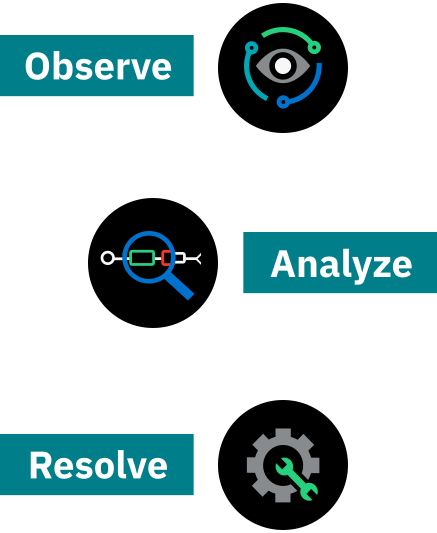
Observe
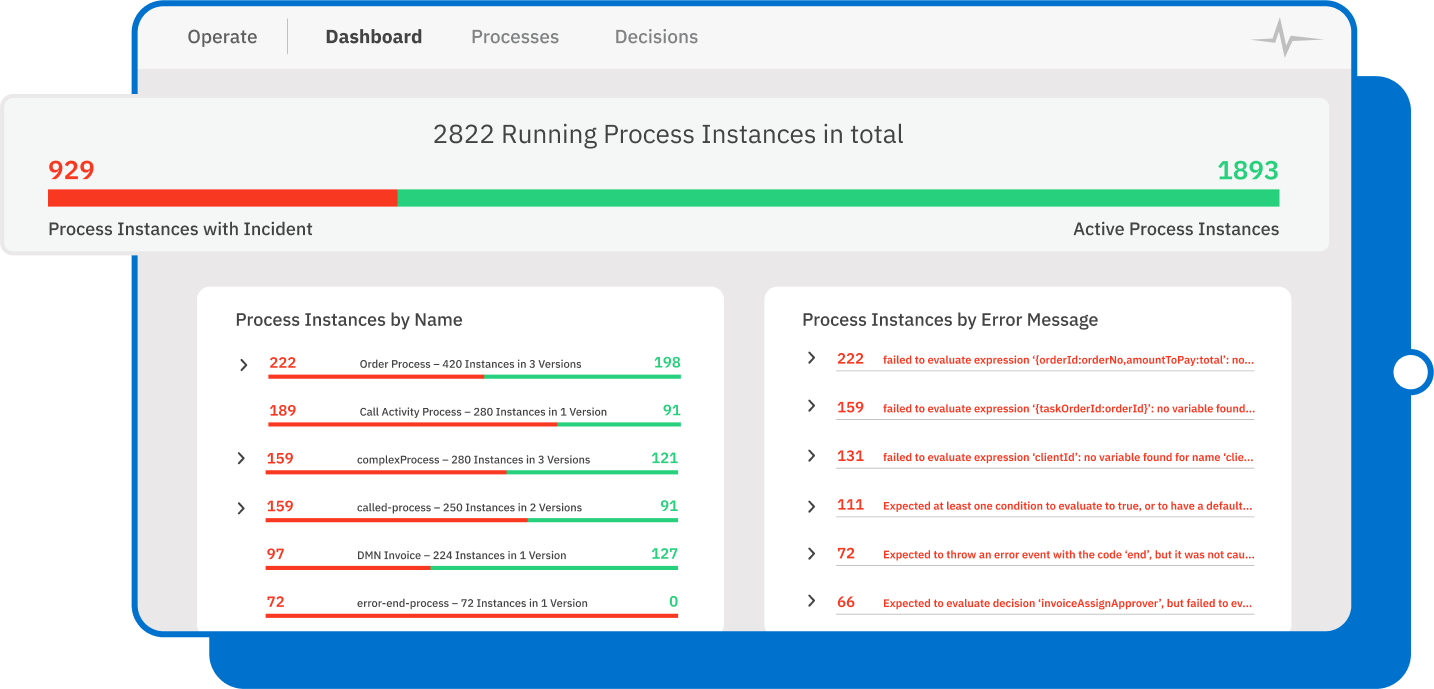
Monitor the operational health of running and completed processes from a single dashboard. Review the results of evaluated decision definitions, track active and completed instances across versions, and get a real-time view of process execution. Visual indicators surface issues early so teams can act before problems escalate.
Analyze
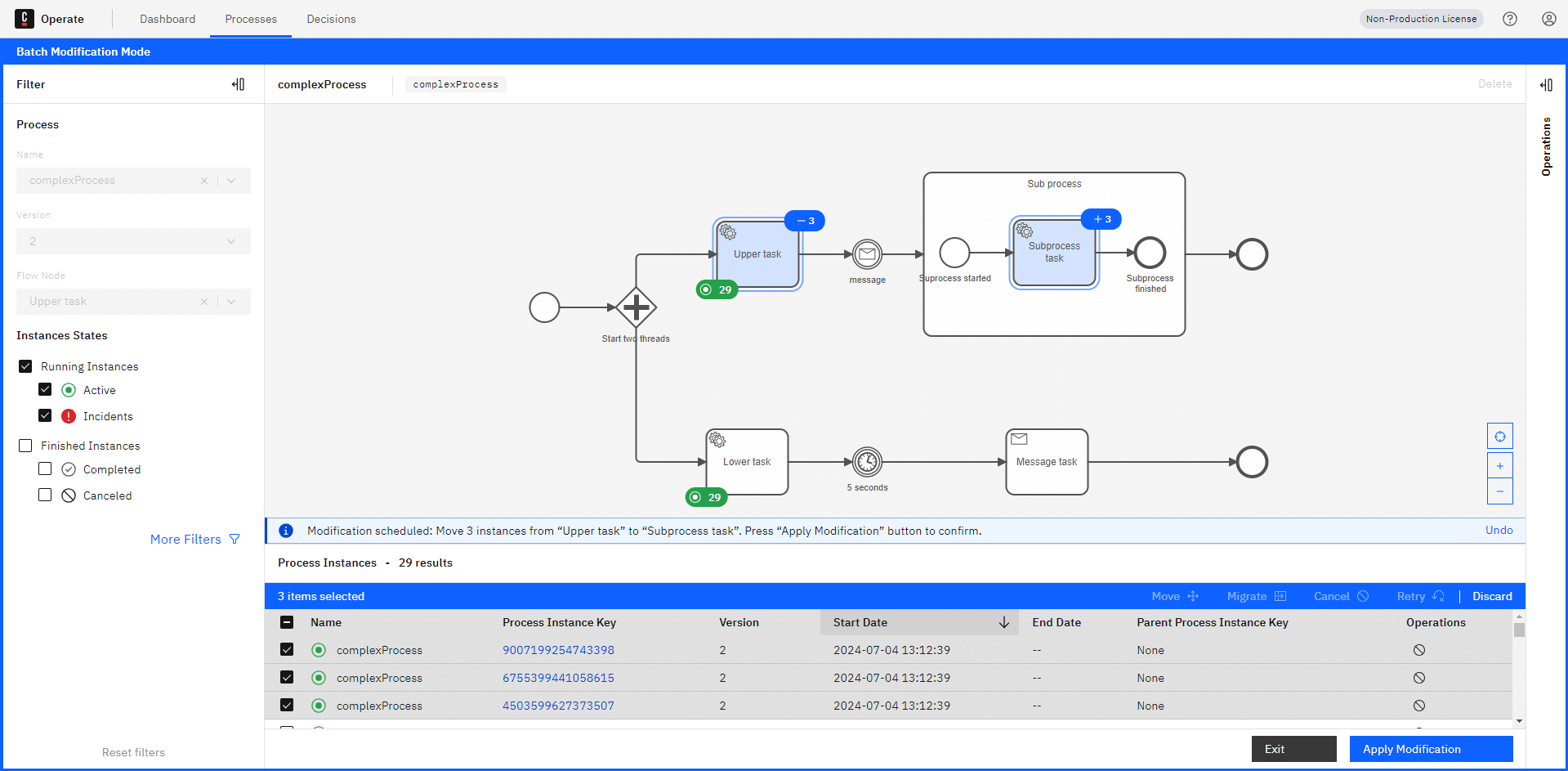
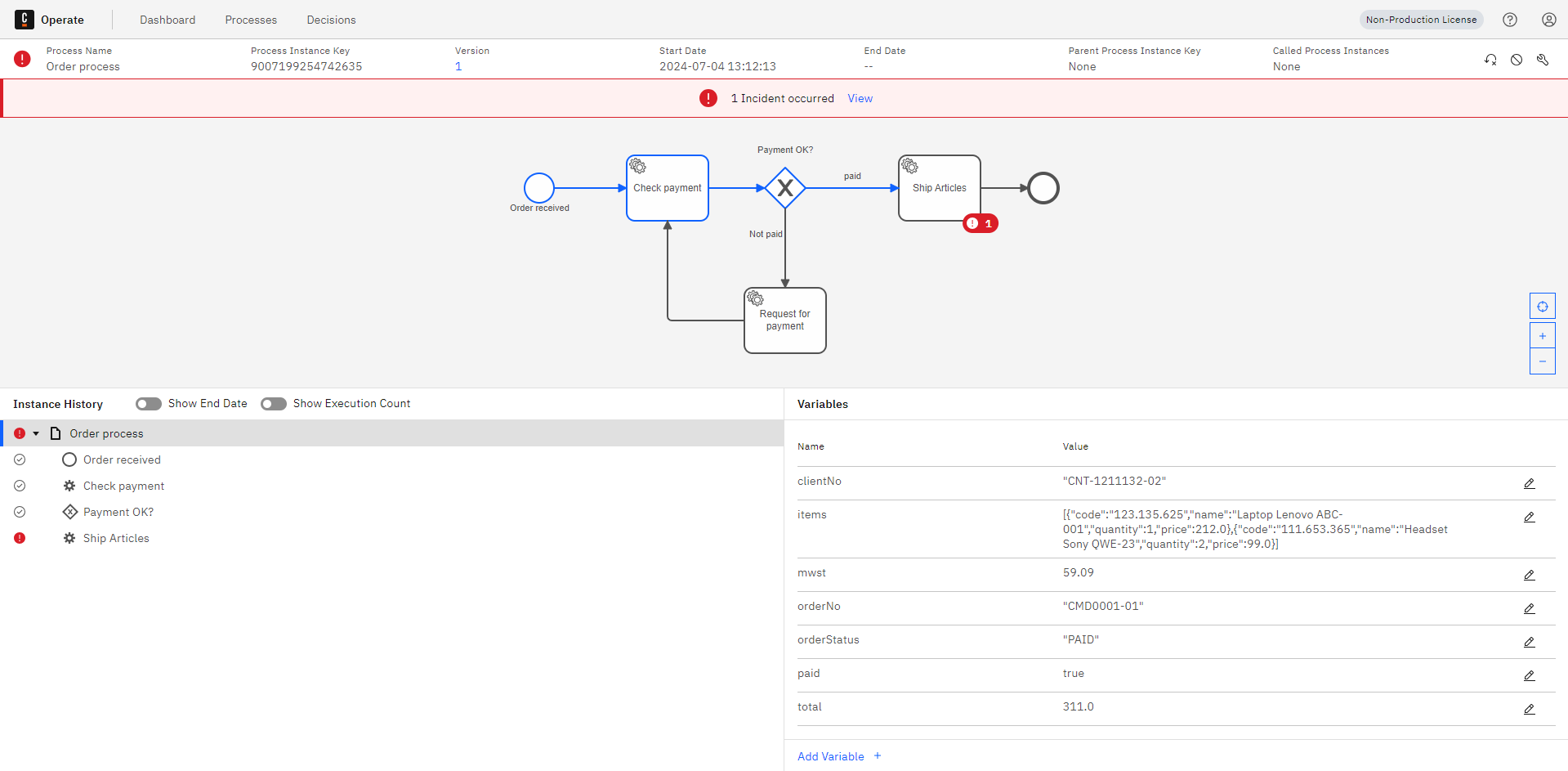
Use visual cues paired with process models to locate stuck instances and investigate incidents. Filter by error type, flow node, or date to quickly narrow down root causes. View business context such as variables, instance history, and execution paths to understand exactly where and why a process stalled.
Resolve
Troubleshoot and repair running process instances in real time using the latest state and execution history. Skip or repeat a step with process instance modification, or migrate instances to a new process version to incorporate improvements, including active elements inside ad-hoc sub-processes. Resolve issues across human tasks and AI agent processes without disrupting end users.
Ready to get started?
CAMUNDA OPERATE
Keep processes running smoothly
See all your processes in one place
Leverage user-friendly views for all your critical processes
Operate pairs process models with real-time execution data you can use to make informed updates and resolutions. Visual cues help you quickly identify and diagnose any incident by viewing business context, like variables and instance history.
Troubleshoot with less trouble
Observe, prevent, and resolve incidents
Quickly review and analyze incidents across every process and version. Filter by date, error type, or flow node to pinpoint issues, then use batch processing to resolve, cancel, or retry thousands of instances at once. Set up email or webhook alerts to catch problems early.
Track every change
See the entire history with rich audit trails
Every process-relevant event is captured in a clear audit trail. Monitor instances and variables in real time, and access historical execution details through the Operate UI or REST API.
Adapt without interruption
Stay competitive with continuous process improvements
Migrate running process instances to new versions of a process definition without stopping what’s in flight. Add process steps, comply with new regulations, or evolve AI agent behavior by migrating active elements inside ad-hoc sub-processes. Instances with active tasks or even unresolved incidents can all be migrated, keeping end users unaffected.
Maintain secure access
Allow only trusted applications to connect to Operate
Control access to the Operate API using security best practices like machine-to-machine token authentication. Integrate process data into other applications with confidence that only trusted services can connect.
Manage with clarity
Improve accuracy and user experience
Selectively remove specific versions of process and decision models to keep the interface clean and accurate. Delete completed instances with a single click.
“Camunda allows our teams to stay agile while centralizing business processes and rules with improved end-to-end visibility. Teaming up with Camunda enables our IT teams to focus on shipping critical business processes with agility, visibility, and efficiency.”
Vinayak V.
INTELLIGENT AUTOMATION SENIOR TEAM LEAD
Atlassian